


Vehicle GPS tracker
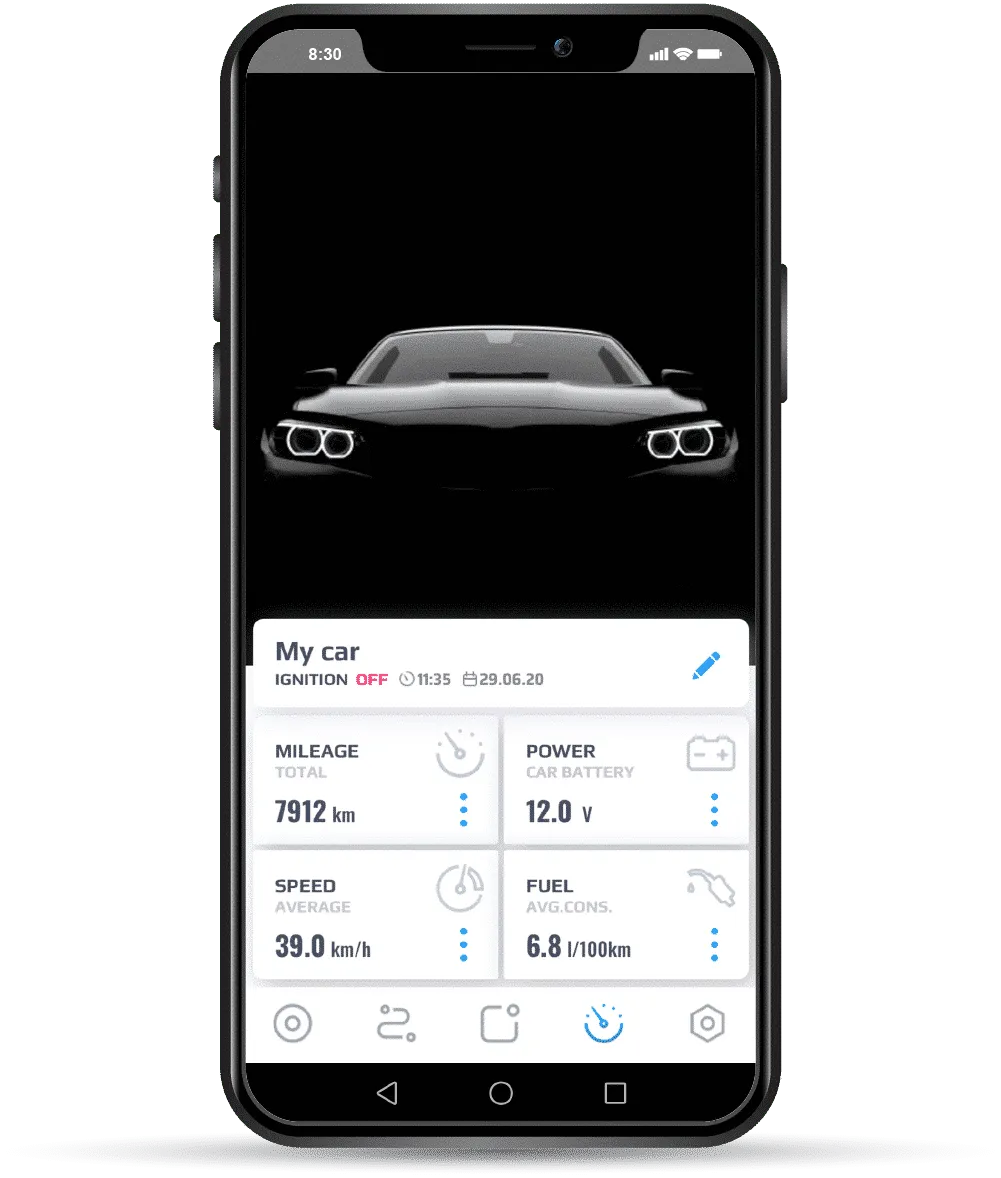
EasyTrak |It connects you directly to your vehicle in real time via an App and alerts you to any issue.
- Real-time information
- Police-approved theft assistance
- Warn in case of crash
- Powerful mobile application
All-vehicle compatible
Our EasyTrak GPS tracker is compatible with all types of vehicles equipped with a 12 to 24-volt battery.

Car and classic car

Motorcycles, ATVs, and scooters

Commercial vehicle

Construction machinery

Boats and jet skis
Single after theft protection solution
Safely recover your stolen vehicle without intervention. This avoids all complications related to your vehicle's theft.
96% Stolen vehicles recovered!
Your vehicle has just been stolen.

Our GPS tracker instantly alerts you to your vehicle's theft.

You contact our approved theft assistance service, available 24/7.

Your vehicle is found by the police and returned to you.
The three main functions

Visualize
Determine your vehicle's exact location in real-time on your smartphone.

Connect
Analyze your trips and discover all information regarding your vehicle and driving.

Secure
Protect your vehicle with our 24/7 alarm monitoring center and theft alerts.
A formidable weapon against theft
The EasyTrak GPS tracker is at the forefront of technology and ahead of current theft methods. It automatically communicates with you in real time in the event of alerts or notifications.
Theft alerts
- Jamming detection
- Unauthorized movement
- Alarm trigger*
- Driver identification failure*
- Vehicle or tracker power supply disconnected
*Si module complémentaire installé
Customizable notifications
- Virtual Garage Zone Entry and Exit
- Low vehicle and tracker battery
- Speeding
- Approaching a point of interest
- Exceeding idle or parking time
Connected security
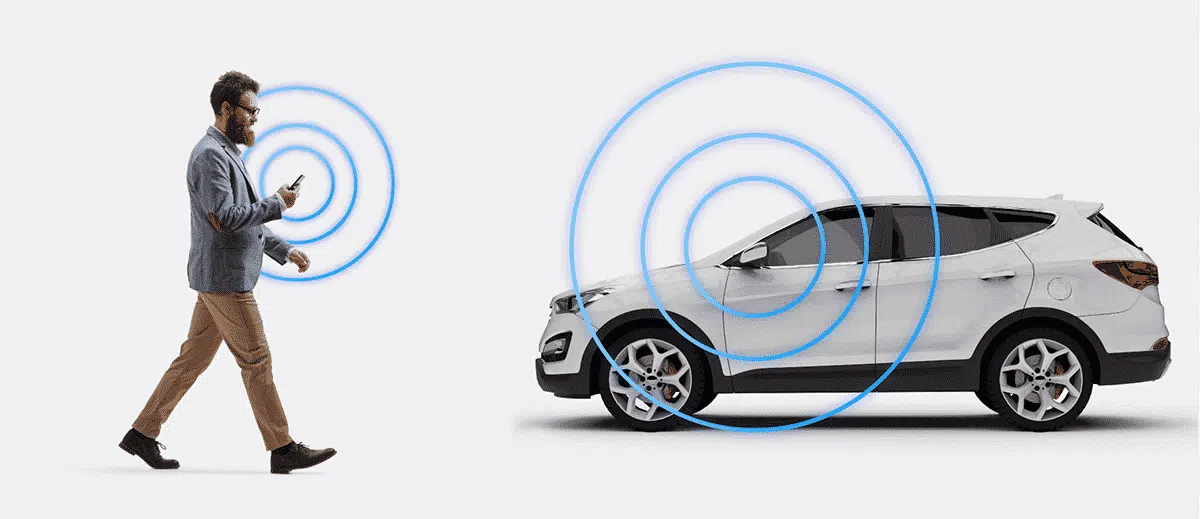
With EasyTrak, you always know your vehicle's location, no matter where you are. The main objective is to show you clearly and precisely that everything is under control, or conversely, that your vehicle is in danger.
More information
24/7 theft assistance
The system locates stolen vehicles and informs the police support point in accordance with Belgian legislation. The alarm center is approved by the Ministry of Interior. Approval No. 16.1027.01 – class A/B/C/D.
More information
Accident detection and reporting
In the event of an accident, the EasyTrak GPS car tracker immediately alerts the owner of the tracker and an additional contact. A text message is sent to your loved ones to inform them of the time and location of the accident. An analysis report is created for each accident, detailing how it occurred (impact speed, G-force intensity, weather conditions, point of collision, etc.).
Benefits for professionals
- View all your vehicles in real time on a single map (cars, utility vehicles, machinery, etc.)
- Manually mark trips as private or business
- Export a report for a defined period via email (max 30 consecutive days)
- Justify your business mileage (VAT deductible)
- Privacy Mode blocks all trip recording (GDPR)
Subscription with no surprises!
The EasyTrak is sold with a 1-year prepaid 'SMART' subscription, granting immediate access to all its features. You will then automatically receive an invitation to extend the service shortly before its expiry.
*Subscription compatible only with EasyTrak or SecurityTrak. Product and subscription not Incert certified (see all subscriptions).
MetaTrak Plus | Mobile App
The EasyTrak is supplied with a mobile application and web access. Stay connected to your vehicle in all circumstances. Click the "Learn More" button or watch our video to discover all the features of MetaTrak Plus.
Technical data
Find an assembly station near you
We recommend having this product installed by a professional installer. Prices may vary depending on the complexity of your vehicle and the equipment to be installed. Please consult one of our specialized dealers for advice or a quote.