

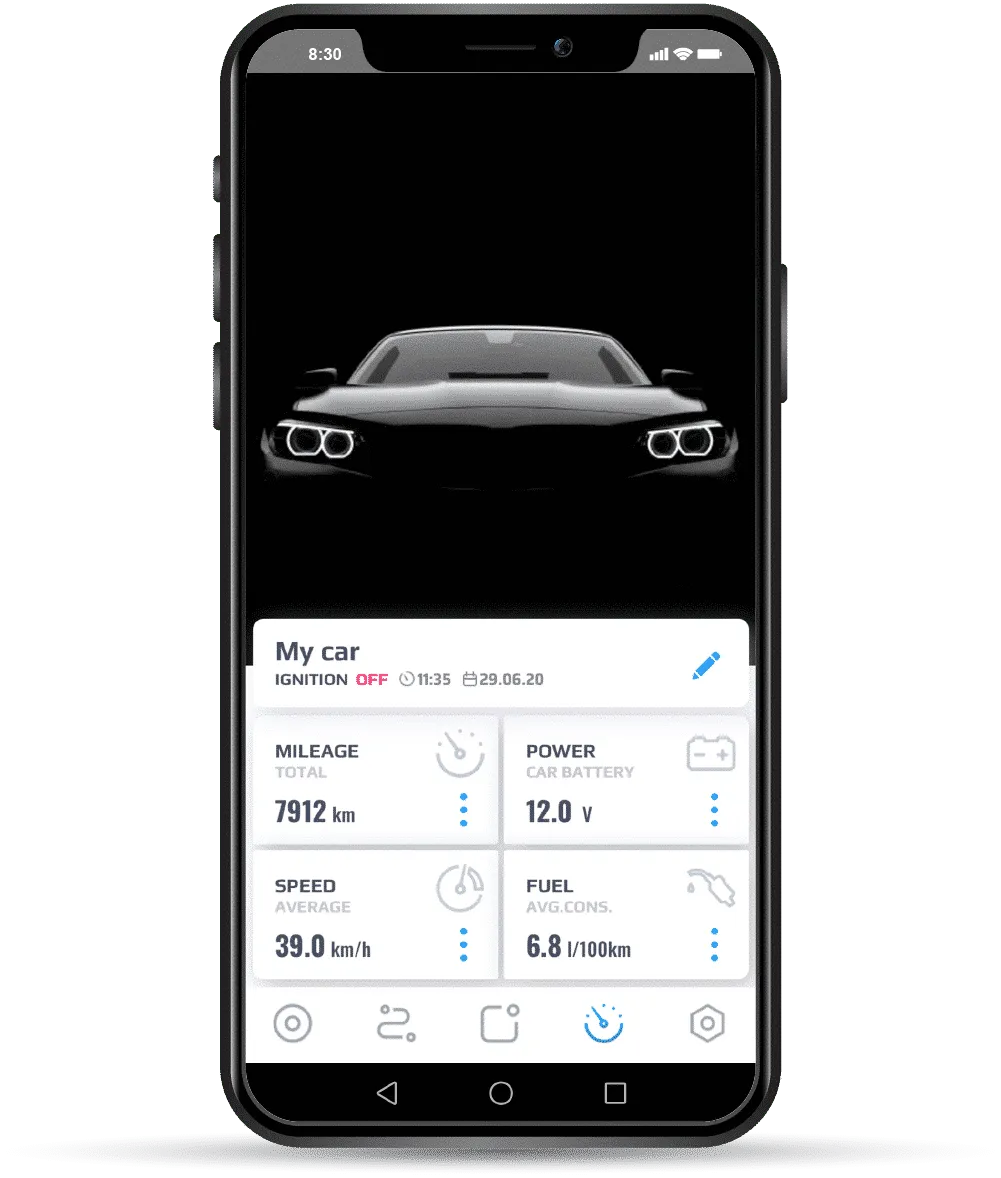
Traceur GPS véhicule
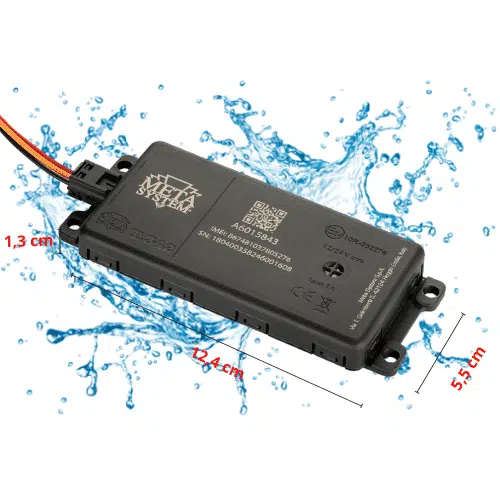
EasyTrak |Il vous connecte directement à votre véhicule en temps réel via une App et il vous alerte au moindre problème.
- Information en temps réel
- Assistance vol agréée par la police
- Préviens en cas d'accident
- Puissante application mobile
Compatible tous véhicules
Notre traceur GPS EasyTrak est compatible avec tous types de véhicules disposant d'une batterie de 12 à 24 volts.

Voiture et oldtimer

Motos, quads et scooters
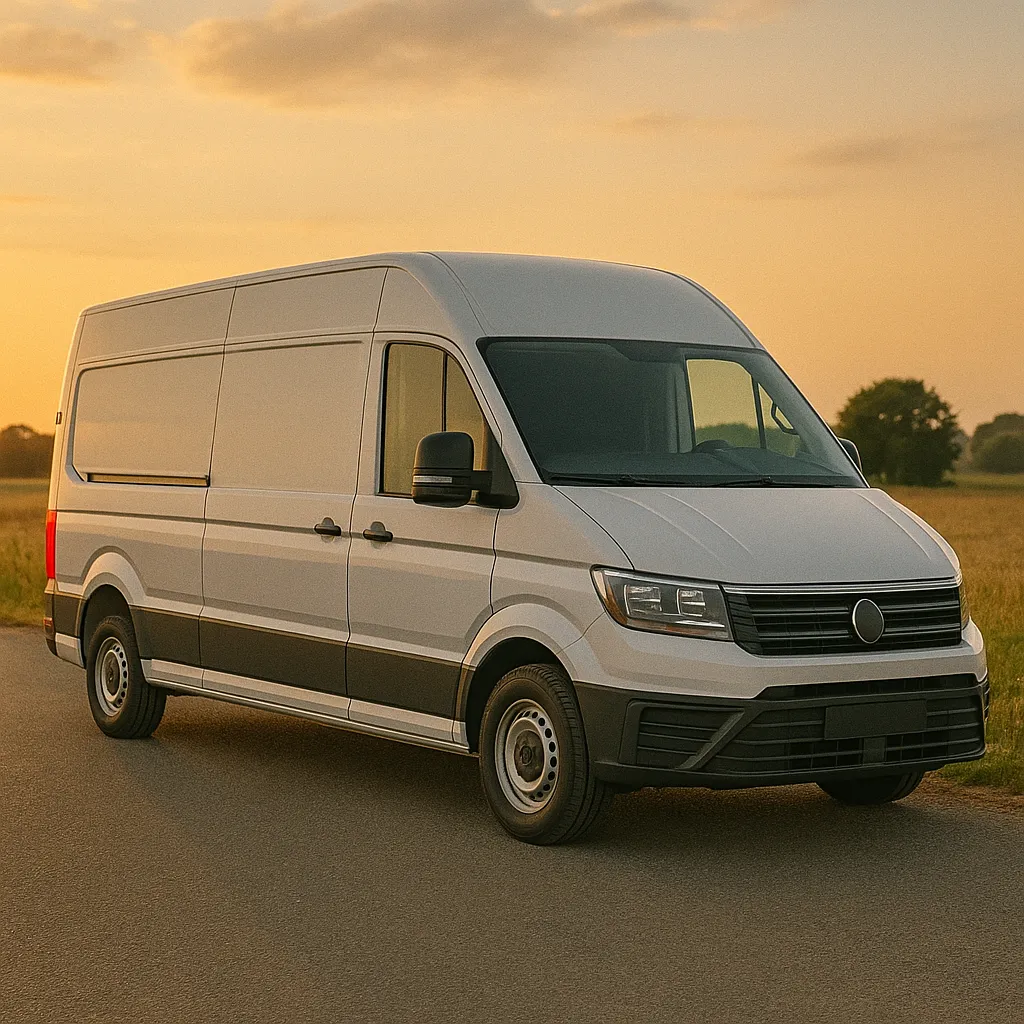
Véhicule utilitaire
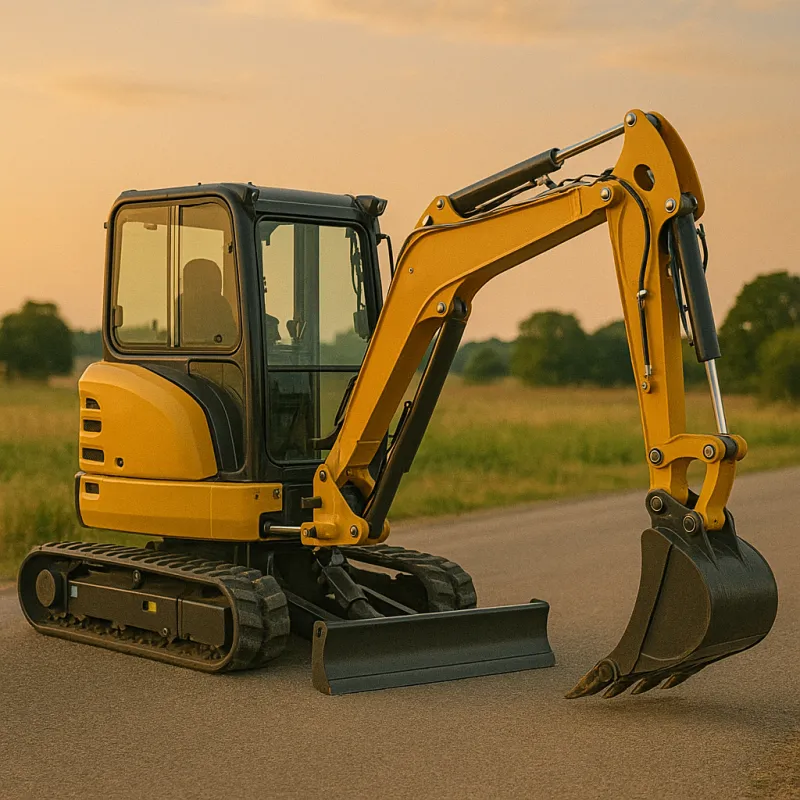
Machines de chantier

Bateaux et jetskis
Solution unique de protection après-vol
Récupérez votre véhicule volé en toute sécurité et sans intervention. Évitez ainsi toutes les complications liées au vol de votre véhicule.
96% des véhicules volés retrouvés !
Votre véhicule vient d'être volé.

Notre traceur GPS vous avertit instantanément du vol de votre véhicule.

Vous appelez notre service d'assistance vol agréée disponible 24/7.
Votre véhicule est retrouvé par la police et vous est rendu.
Les trois fonctionnalités principales
Visualiser
Déterminez l'emplacement exact de votre véhicule en temps réel sur votre smartphone.

Connecter
Analysez vos trajets et découvrez toutes les informations concernant votre véhicule et votre conduite.

Sécuriser
Protégez votre véhicule avec notre centrale d'alarme 24/7 et les alertes de vol.
Une arme redoutable contre le vol
Le traceur GPS EasyTrak est à la pointe de la technologie et en avance sur les méthodes de vols actuelles. Il communique automatiquement avec vous en temps réel en cas d'alertes ou de notifications.
Les alertes contre vol
- Détection d'un brouilleur
- Déplacement non autorisé
- Déclenchement d'alarme*
- Défaut d'identification du conducteur*
- Débranchement d'alimentation véhicule ou traceur
*Si module complémentaire installé
Les notifications paramétrables
- Entrée et Sortie de zone du garage virtuel
- Batterie faible véhicule et traceur
- Excès de vitesse
- Approche d'un point d'intérêt
- Dépassement du temps à l'arrêt ou en stationnement
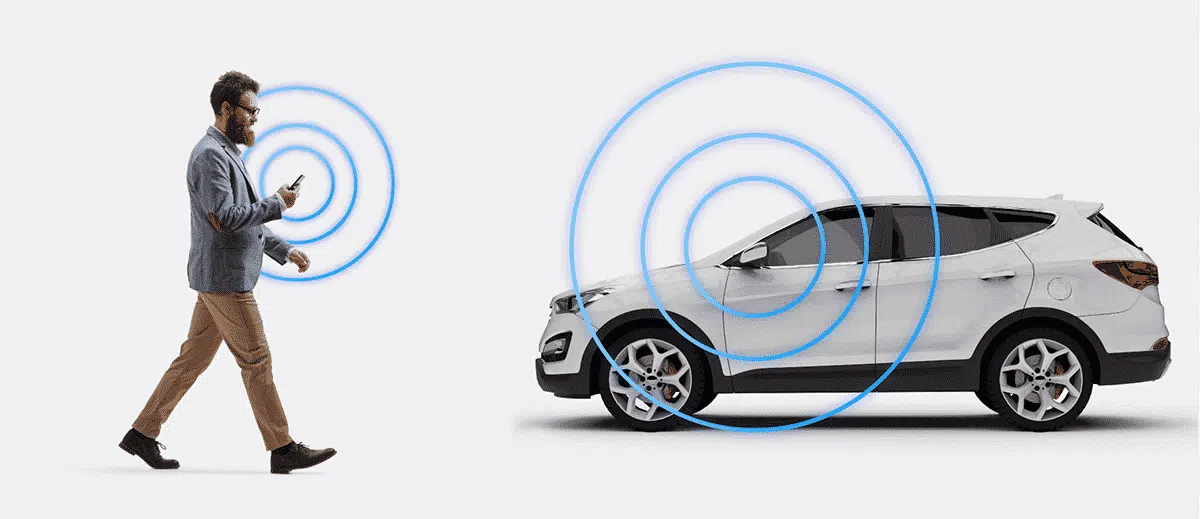
La sécurité connectée
Avec EasyTrak, vous savez à tout moment et où que vous soyez où se trouve votre véhicule. L'objectif principal est de vous montrer clairement et précisément que tout est sous contrôle ou au contraire que votre véhicule est en danger.
Plus d'informations
Assistance vol 24h/7J
Le système localise les véhicules volés et informe le point d'appui de la police conformément à la législation belge. La centrale d'alarme est agréée par le Ministère de l'Intérieur. Agrément n° 16.1027.01 – classe A/B/C/D
Plus d'informations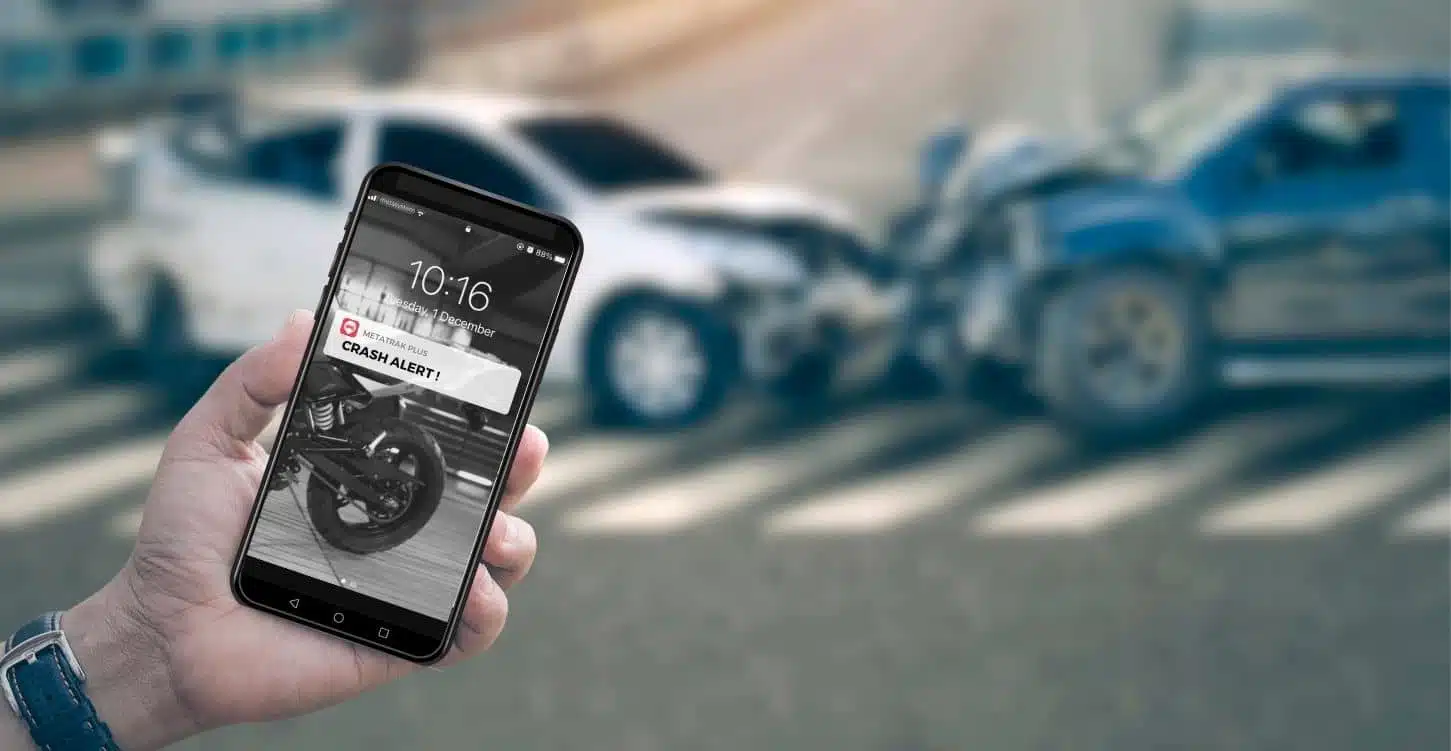
Détection et rapport d'accident
En cas d'accident, le gps tracker auto EasyTrak prévient immédiatement le propriétaire du traceur et un contact supplémentaire. Un SMS est envoyé à vos proches pour les informer de l'heure et de la localisation de l'accident. Un rapport d'analyse est créé pour chaque accident qui détaille comment celui-ci s'est déroulé (vitesse d'impact, intensité du choc en Gs, conditions météo, point de collision,...)
Avantages pour professionnel
- Visualiser tous vos véhicules en temps réel sur une même carte (voitures, utilitaires, machines...)
- Marquer manuellement les trajets en privés ou professionnels
- Exporter un rapport d'une période définie par email (30 jours consécutifs max)
- Justifier vos kilomètres professionnels (déductible TVA)
- Mode Privacy bloque tout enregistrement de trajets (RGPD)
Abonnement sans surprise !
L'EasyTrak est vendu avec l'abonnement « SMART » prépayé de 1 an donnant immédiatement accès à toutes ses fonctionnalités. Ensuite, vous recevrez automatiquement une invitation à prolonger le service peu avant l'échéance.
*Abonnement compatible uniquement avec l'EasyTrak ou SecurityTrak. Produit et abonnement non certifié Incert (voir tous les abonnements).
MetaTrak Plus | App mobile
L'EasyTrak est fourni avec une application mobile et un accès web. Restez connecté à votre véhicule en toutes circonstances. Cliquez sur le bouton En savoir plus ou regardez notre vidéo pour découvrir toutes les fonctionnalités de MetaTrak Plus.
Données techniques
Trouvez une Station de montage la plus proche de chez vous
Nous recommandons de faire installer ce produit par un installateur professionnel. Les prix peuvent varier en fonction de la complexité de votre véhicule et de l'équipement à installer. Demandez conseil ou devis auprès de l'un de nos revendeurs spécialisés.